Clicky
This switch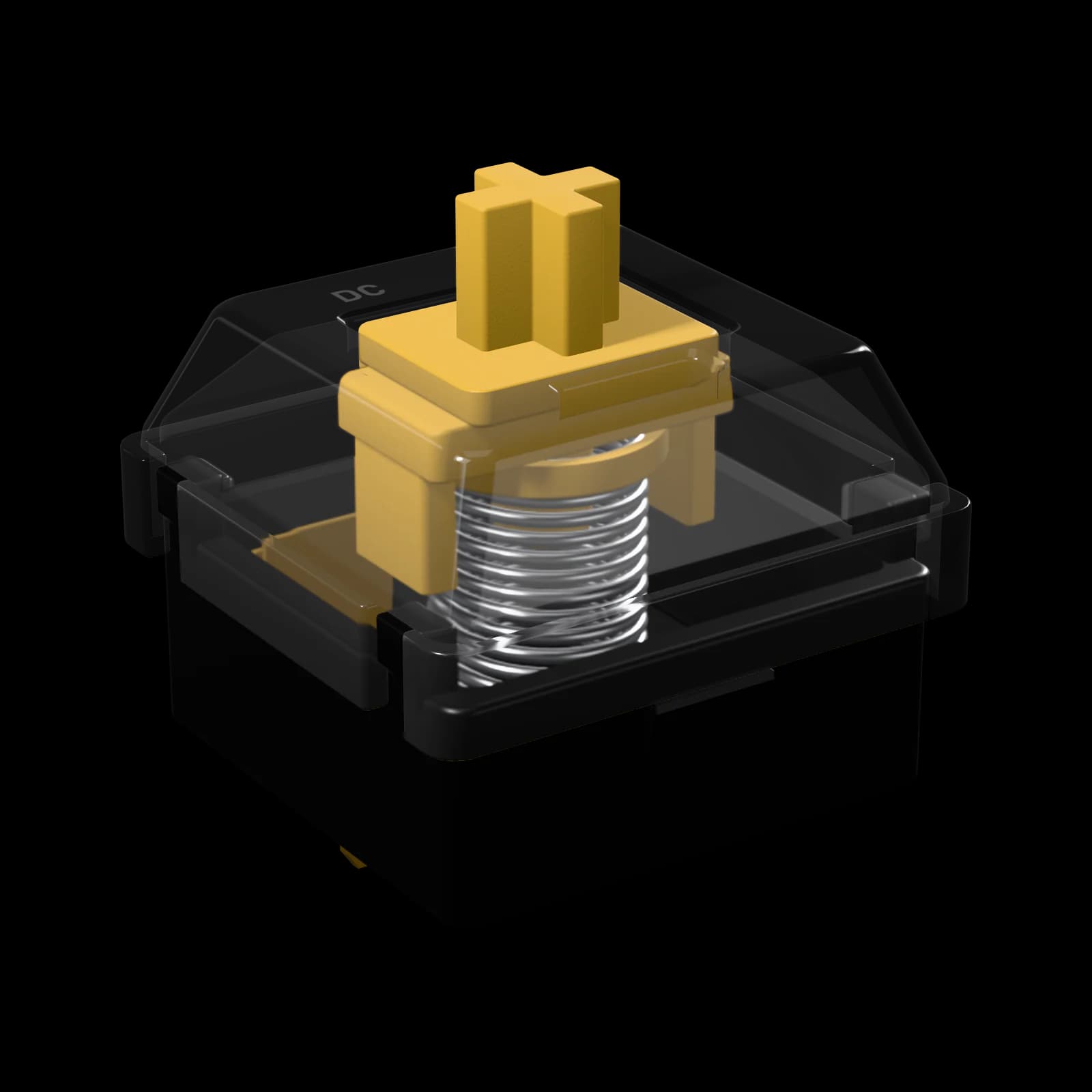
Spark Clicky
this switch · 50 gf · clicky · from $5
- Actuation
- 50 gf
- Click
- 60 gf
- Travel
- 4.0 mm
- Sound
- Clicky
mx switch
SKU DC-SW-SPK-10
Click bar. Crisp, consistent click.
Pack: 10 switches
5 packs
Which pack for my keyboard?
One switch per key. Pick your board and we select the pack that fills it:
Our keyboards
Other boards
Counts are typical for each layout; our boards list their exact number.
Arrives in 4–8 business days
US estimate: ships in 1–2 business days, then 3–6 in transit.
We ship to 25 countries — rates at checkout$94 more for free US shipping$99
Spark Clicky
10 switches · $0.50 each
0-01Spark Clicky
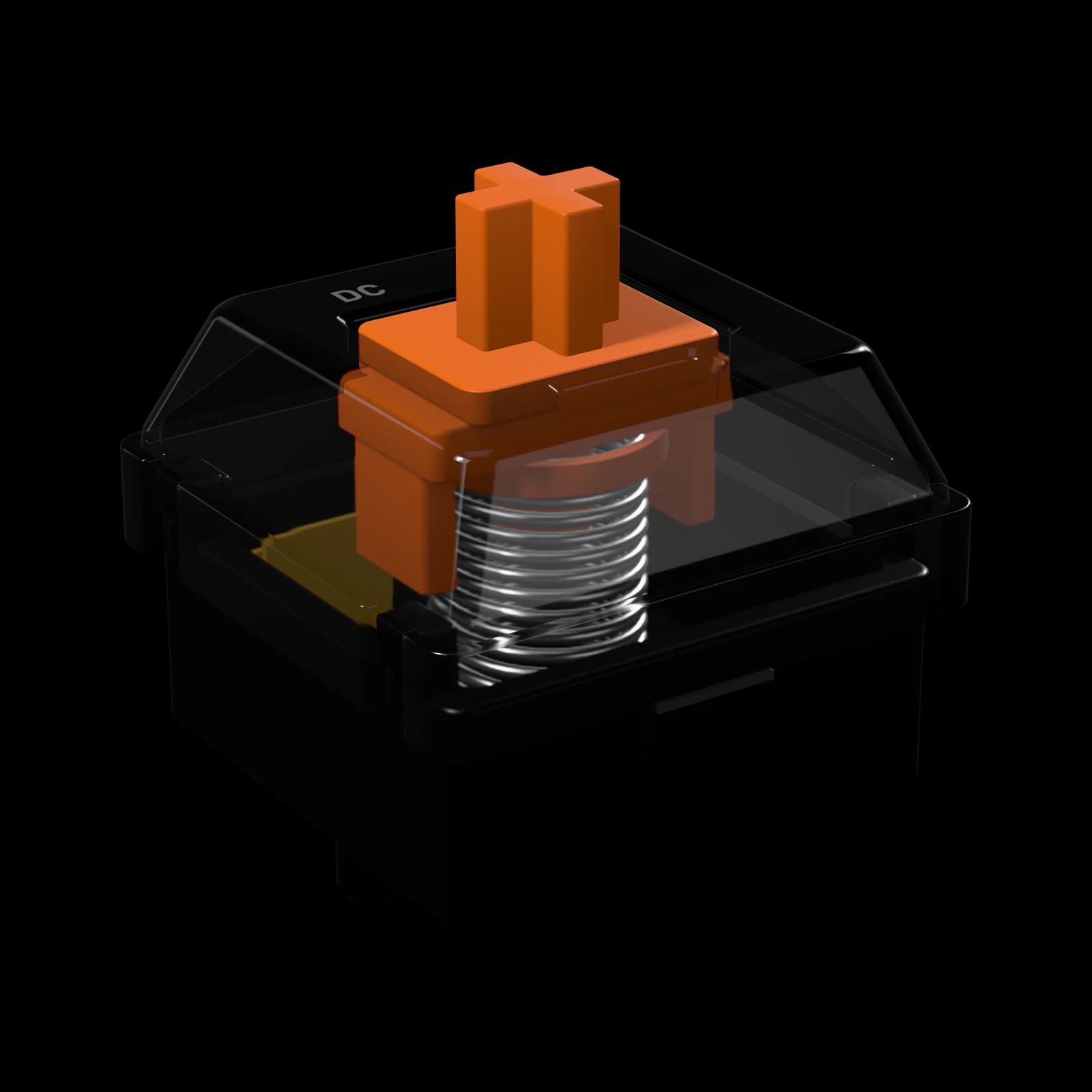
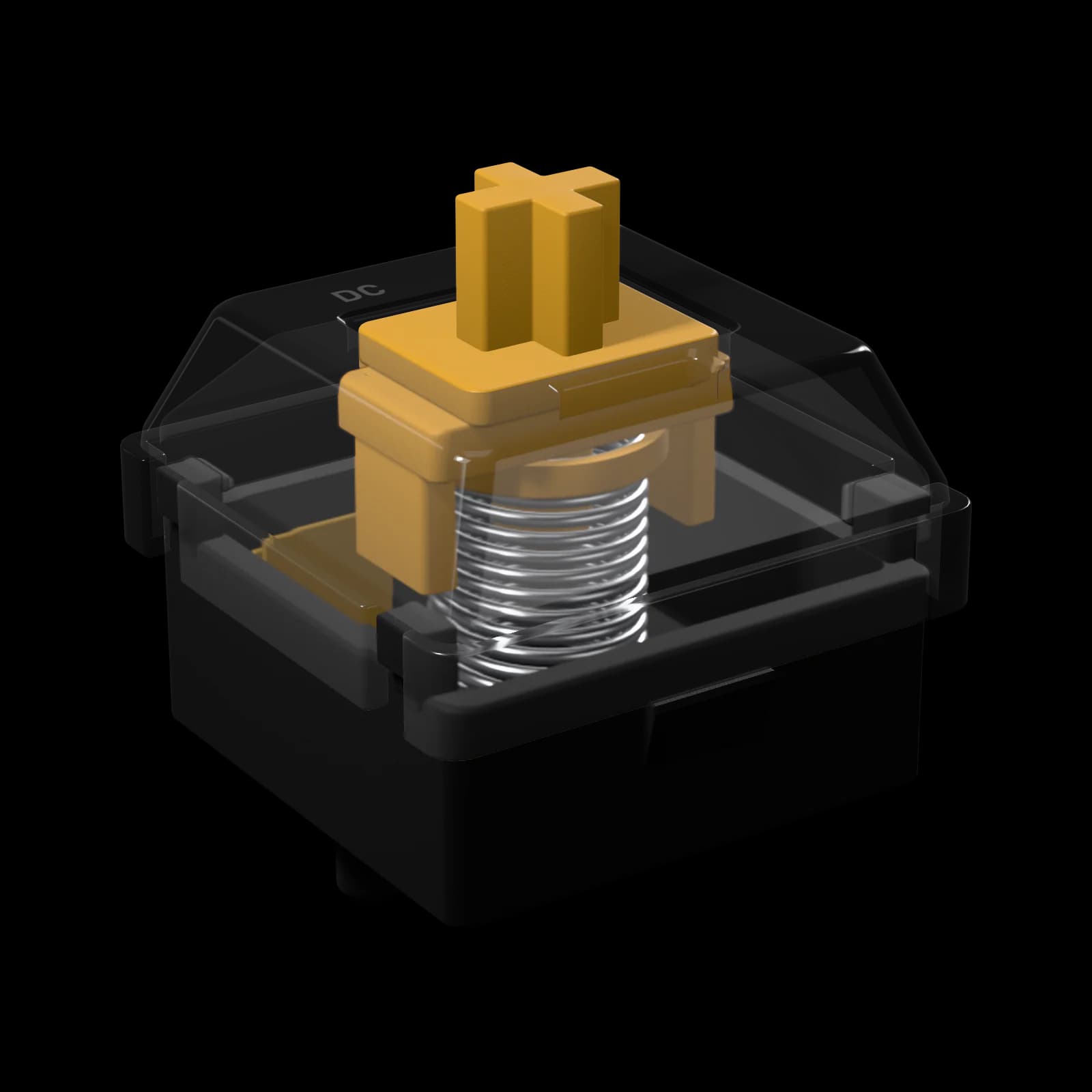
Spark makes its click with a click bar — a thin steel bar in the housing that the stem snaps past — instead of the plastic click jacket of a classic blue switch. The click is sharper, lands at the same point on every press just before the key registers, and has none of the jacket’s lag between presses, so fast repeated keystrokes click every time.
A 60 gf click peak gives a clear, confident press. The switch ships dry, as a clicky should: lube would dull the click. Loud, fun and honest — not for the office.
0-02Spark Clicky
Force curve · Spark Clicky
Spark Clicky force curve. The key starts at 40 gf, builds up to a 60 gf click at 1.6 mm and snaps through. It registers at 2.0 mm with 50 gf and bottoms out at 4.0 mm with 60 gf. On the way up the force typically runs about 4 gf lower and the click is barely felt.
0-03Spark Clicky
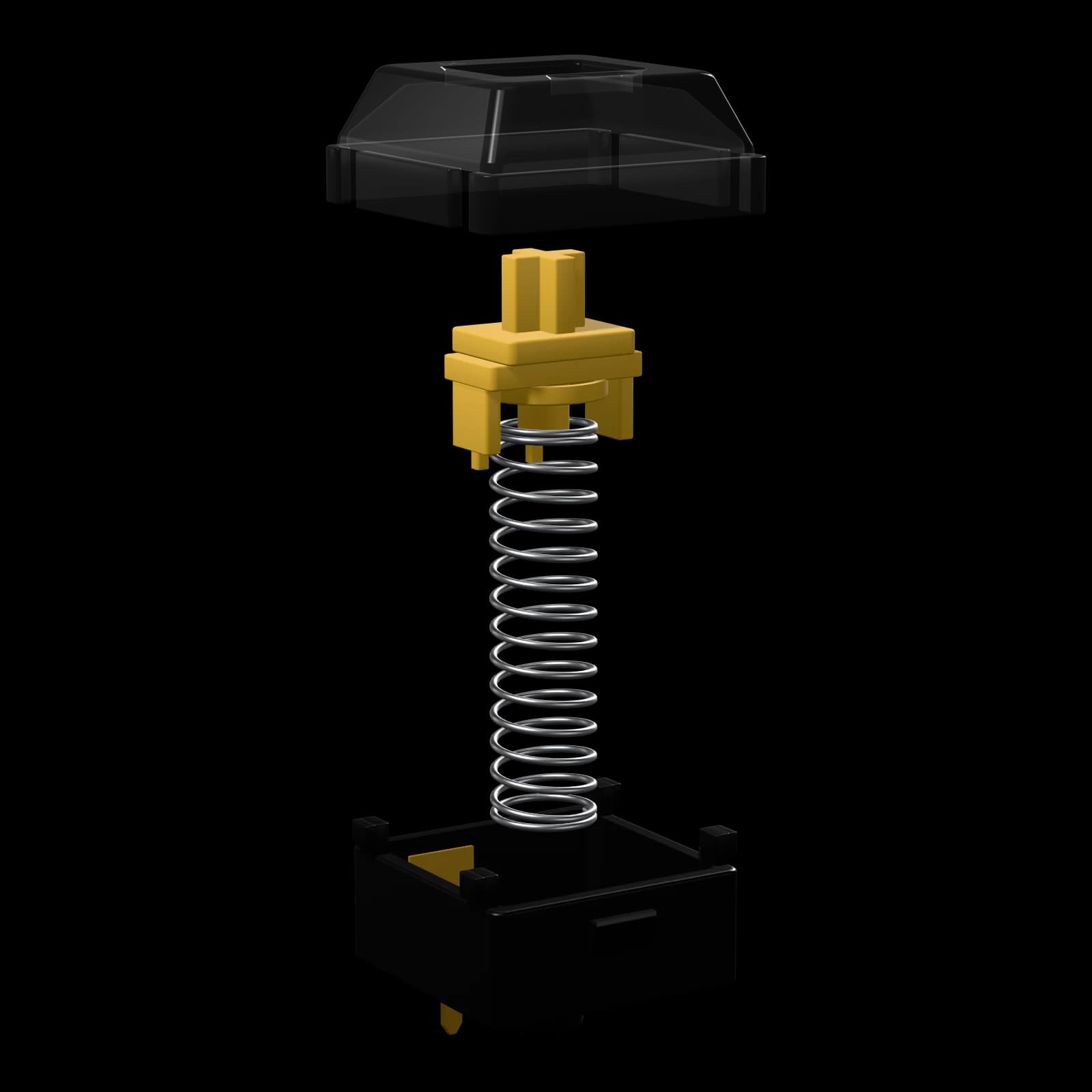
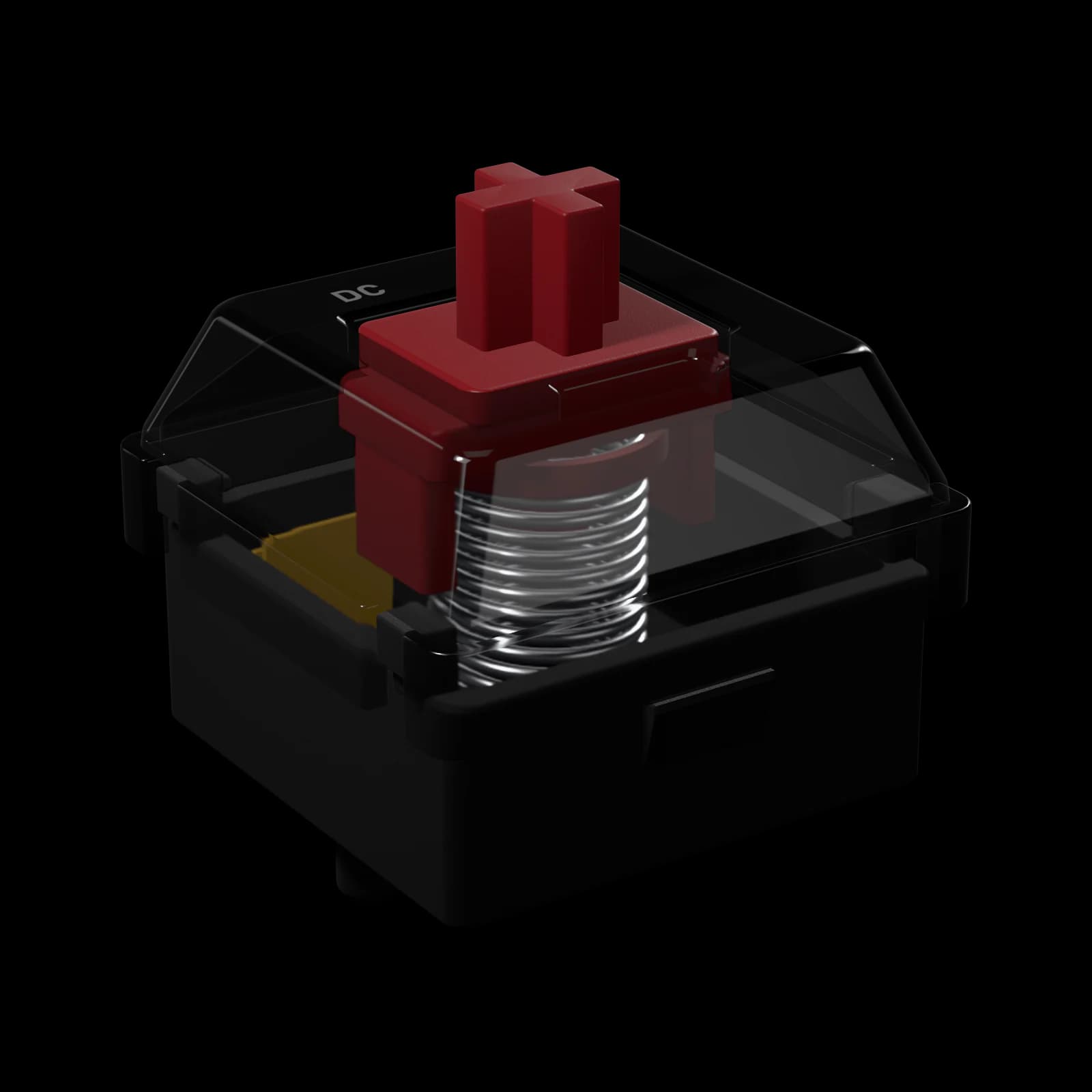
0-01top housing
PolycarbonateClear
Rigid, with a brighter, sharper sound. Clear, so RGB lights the whole switch. Closes the switch and guides the stem; shapes the sound of the upstroke.
0-02stem
POM
Self-lubricating: the smoothest stroke and a soft, creamy sound. The moving part. Its cross holds the keycap; its legs snap the click bar on the way down.
0-03spring
20 mm single-stage spring
Sets the weight: how hard the key pushes back at the top and at the bottom of the stroke.
0-04bottom housing
Polycarbonate
Rigid, with a brighter, sharper sound. Holds the metal contacts and pins; shapes the sound of the bottom-out.
0-04Spark Clicky
Sound profile
Clicky. An audible click at the actuation point — the loudest.
Clicky switches
A bump plus an audible click right before the key registers.
Good for
Think twice if: You share a room, stream or take calls with an open mic, or type at night.
0-05Spark Clicky
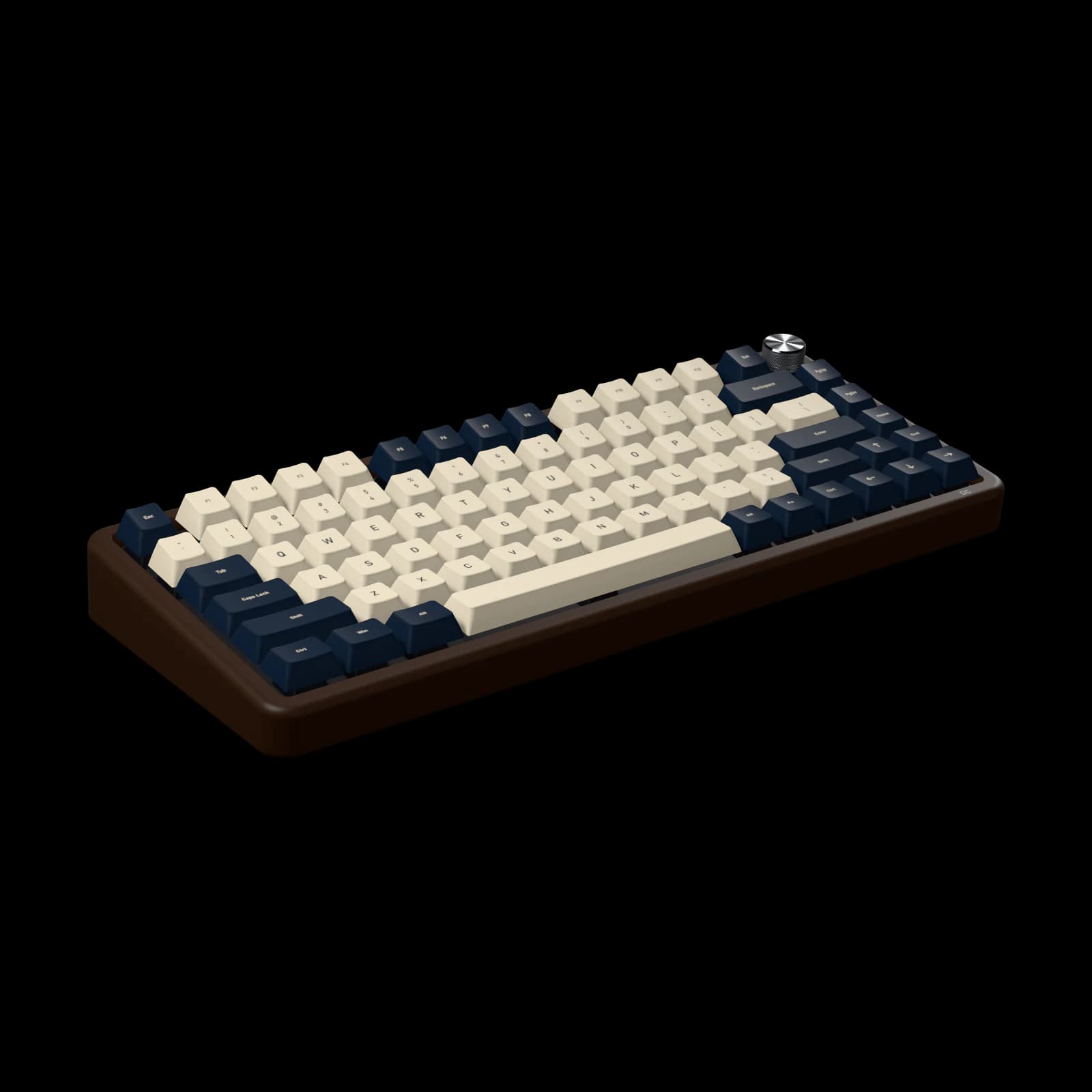
Strata 75 takes 82 switches — the 90-switch pack fills it with 8 spares.
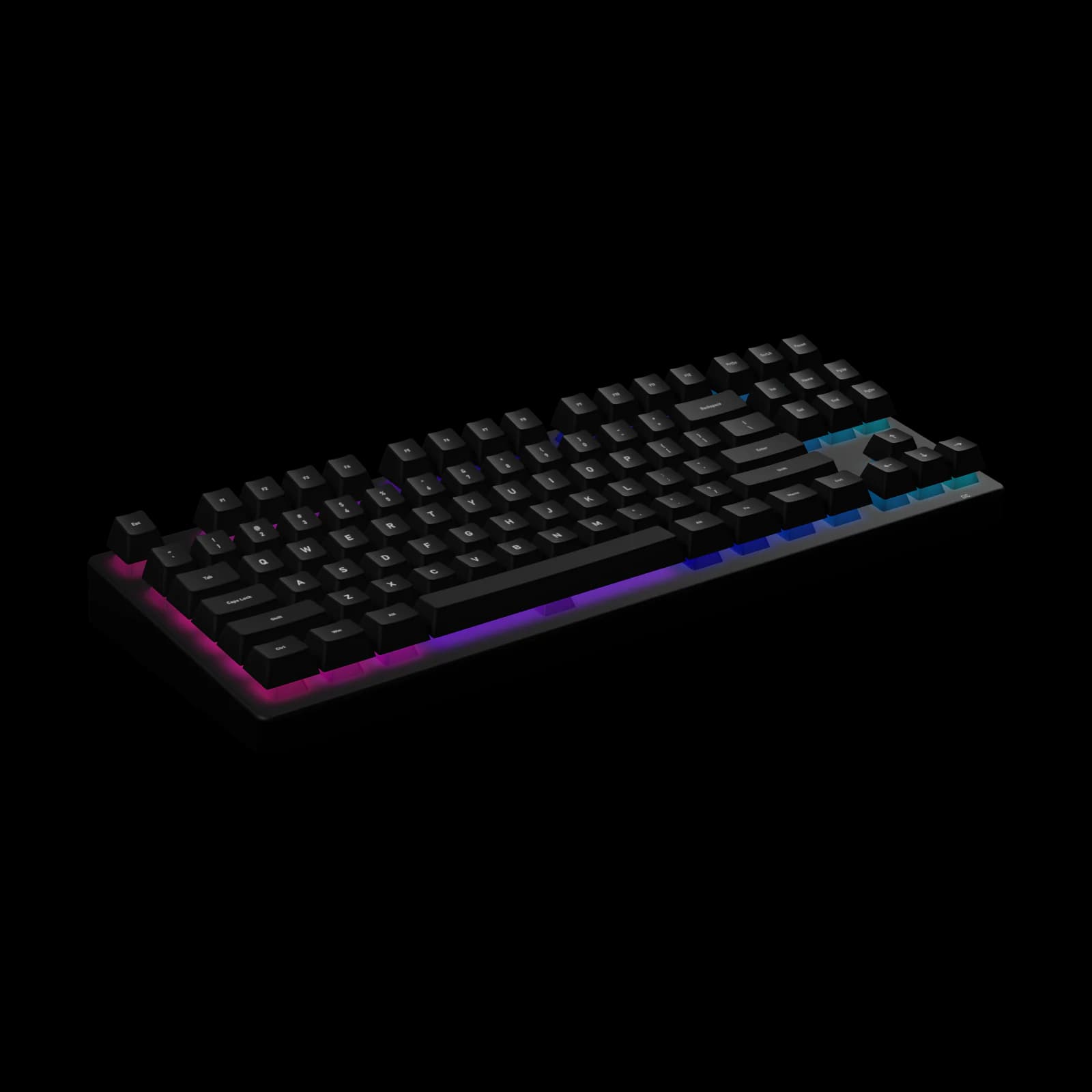
Flux TKL takes 87 switches — the 90-switch pack fills it with 3 spares.
0-06Spark Clicky
0-07Spark Clicky
side by side
The closest switches in feel that fit the same keyboards, with their force curves on one scale.
Clicky
This switchthis switch · 50 gf · clicky · from $5
Clicky
55 gf · clicky · from $6
Tactile
45 gf · thocky · from $5
Tactile
45 gf · poppy · from $6
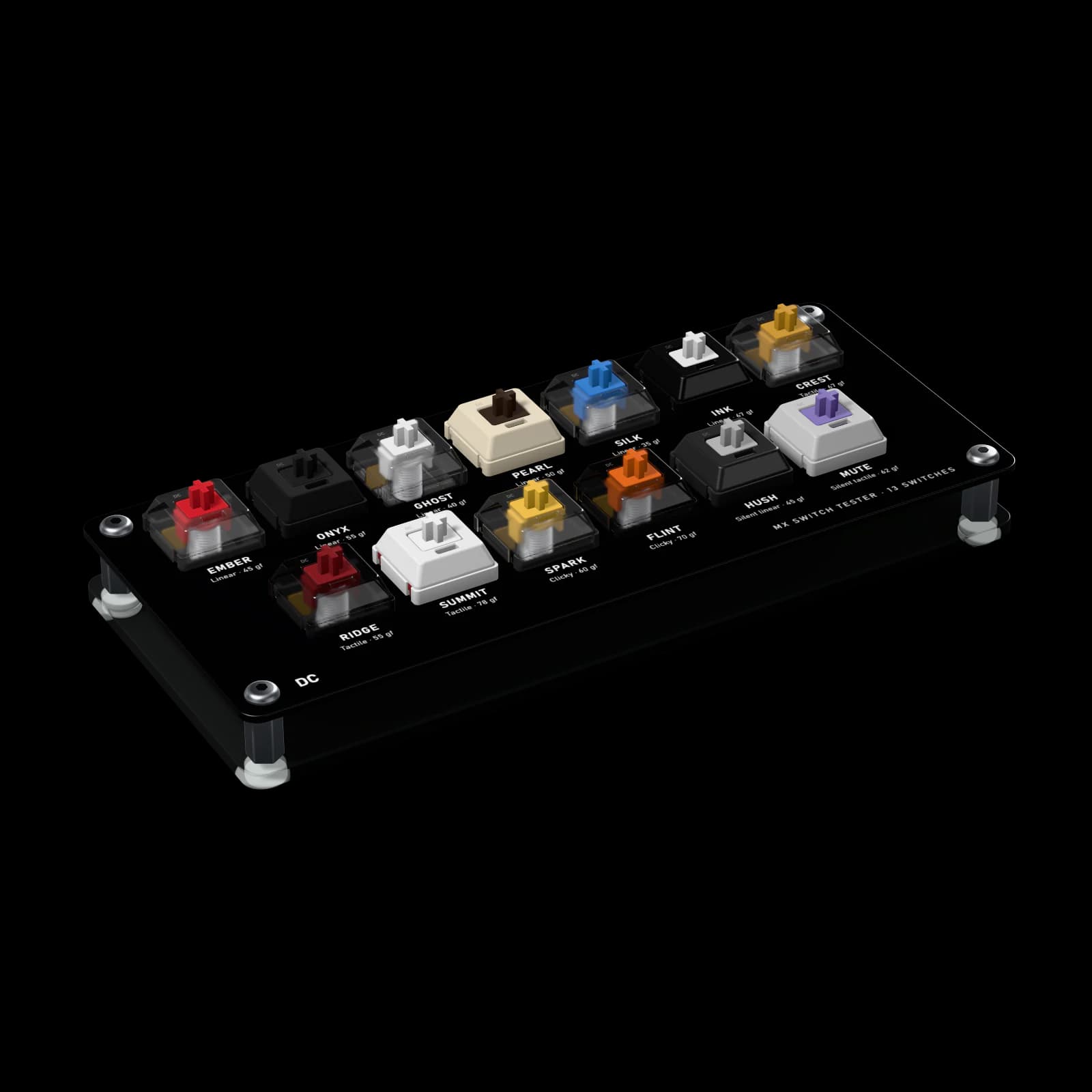
try before you fill a board
All 13 of our MX switches, one of each. Press them side by side and pick the one to fill your board with.